
Minesweeper vs AI
Classic minesweeper plus a duel on one field against a fair opponent
What it does
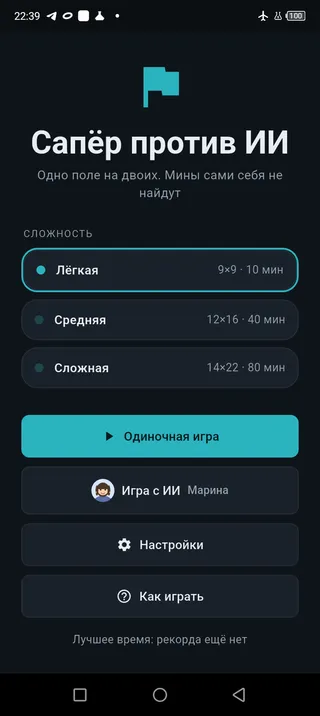
Solo game
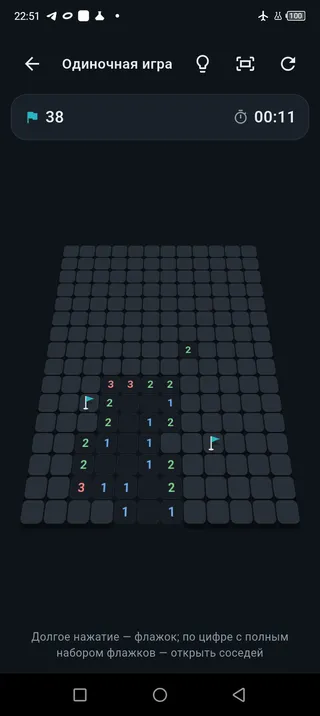
The classic rules with no surprises: three board sizes, a first move that is always safe, and flags placed by a long press. Tap a number that already has all its flags around it and the remaining neighbours open at once. Your best time is kept for every difficulty.
A duel on one field
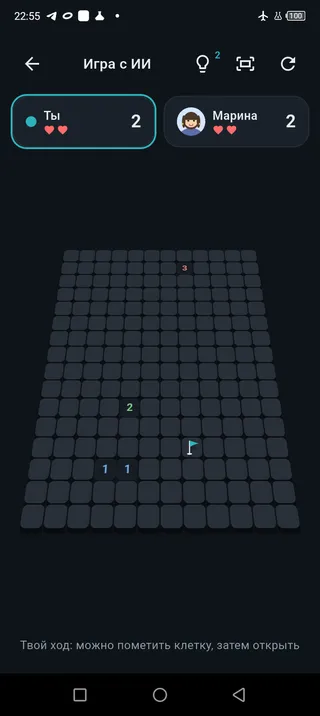
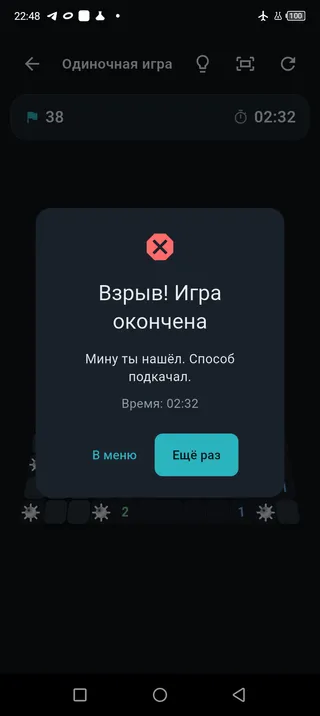
A turn means opening a cell, and before it you may place or remove one flag. A mine does not end the game — it costs a life: three for the rookie, two for the skilled one, and just one for the master.
The opponent plays fair
The AI does not peek at where the mines are. It reasons from the same open numbers you see and gets it wrong where the cells truly are indistinguishable. With hidden flags turned on, it cannot see your marks either.
Scored by opened cells
Clear the field and the winner is whoever opened more cells. Remaining lives count towards the score with a multiplier, so careful play is rewarded too.
A board in three dimensions
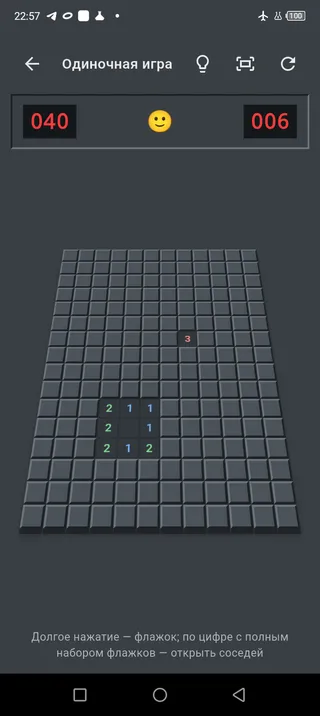
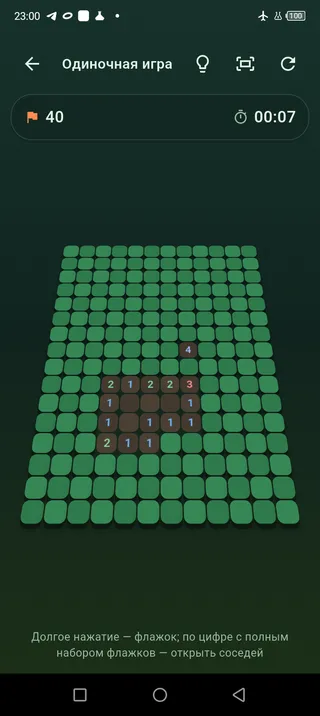
Cells can stand as tilted pillars, with flags and mines becoming solid objects. Pinch to zoom, drag to move, and one button fits the board back into the screen.
Three visual styles
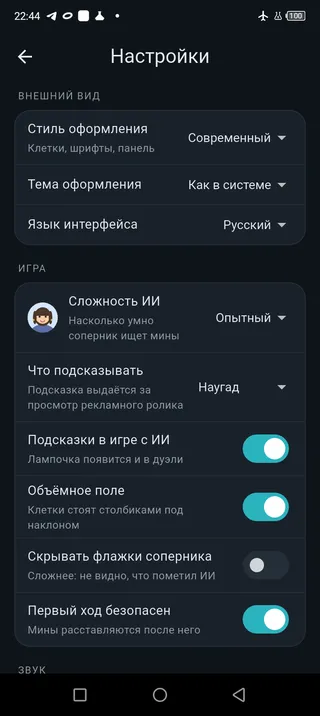
Classic, modern and playful change the whole game: colours, cell shapes, fonts and even the music — every style has its own theme. Light or dark theme is chosen separately.
A hint when you are stuck
Watch a rewarded ad and the game opens a safe cell — or, the other way round, shows a mine through the cell so you can flag it. Settings decide which one you get.
A guide on first launch
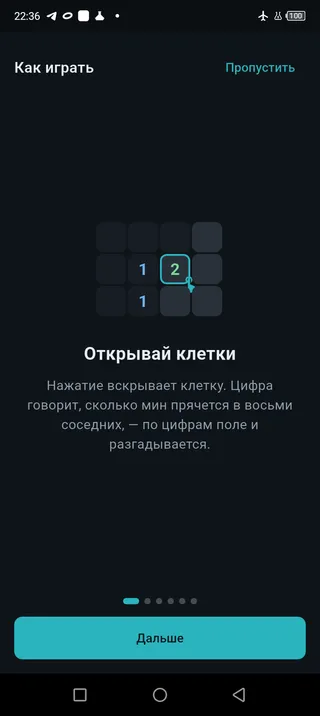
The rules are shown as sketches rather than three screens of text. After that the guide stays out of the way and opens only from the menu.
What it looks like
Frequently asked questions
Do I need an internet connection?
No. Both modes — solo and the duel against the AI — work offline. The internet is only needed for ads and for the hint they pay for.
Does the opponent peek at the mines?
No. The AI reasons from the same open numbers you see and gets it wrong where the cells truly are indistinguishable. Turn on hidden flags and it stops seeing your marks as well — the rule is fair to both sides.
What does a hint do, and why an ad?
A hint opens a safe cell or shows a mine through the cell so you can flag it. It is free for you and paid for by watching a video, which is how the game stays free of purchases. Close the ad early and there is no hint.
How many hints can I take?
In the solo game, as many as you like. In a duel there are as many as you have lives: three for the rookie, two for the skilled one, one for the master. The counter sits next to the button and a new game brings them back.
How do I place a flag?
Long press a closed cell. A short tap opens the cell, and tapping a number that already has all its flags around it opens the remaining neighbours at once.
Is there an English version?
Yes — you are reading it. The language is switched in the settings, along with the visual style and the light or dark theme. Your choice is remembered between launches.
The board does not fit on the screen — what can I do?
Pinch with two fingers to zoom the board and drag it with one; the button in the header brings it back into view whole. If the tilted 3D board gets in the way, turn it off in the settings — a flat board takes up less room.
What happens if I uninstall the game?
The settings and best times are gone — they live only on your device and are never sent anywhere. The game has no account and no cloud save.
Something not working?
Write to us and we will sort it out. The developer answers, not a bot.
Contact supportHow the game handles your data
What is collected, what is not, and why. Briefly and without legalese.
Privacy policyOr simply email us: support@newdawnapps.ru